
How To Start A Blog in Ethiopia To Make Money in 4 Easy Steps 2019

Start a blog in Ethiopia
Whenever the topic of creating a blog comes up, our minds rush to tell us how we do not know to code. Coding is a simple language that you can learn over a short time. However, the good news is you do not need to learn how to code to start a blog. The following are four considerations to help you start blogging today.
1/ Create Account
-Create as Gmail account here
2/ Choose platform

The 9 Best Blogging Platforms
3/ Choose Domain

How To Choose A Good Domain Name For Your Blog
Choosing a good domain name is as equally important as choosing a name for your newborn child, if not more so, because, unlike people’s names, you can’t reuse a domain name that’s already taken. You also have to keep in mind that the name you choose will be your brand; thus, it should be catchy and short enough to be memorable, preferably with a top-level domain.
Your domain name can give you a successful online presence or it can bury you in the virtual world. A carefully crafted one can draw traffic to your blog and build your brand. And, like a spouse, it’s something you’ll have to live with. You can change it, if necessary, for compelling reasons but you’ll have to redirect and deal with other consequences. From this perspective, you’ll want the perfect domain name when you launch your blog.
“The giving of names is no small matter, nor should it be left to chance or persons of mean abilities.” – Socrates
There are standard tools and tips to follow when deciding on a domain name. But recent trends in naming startups and quite a few super successful websites that have become household names have defied the conventional. So, get creative and be guided by these tips but leave room for ingenuity and imagination to come up with a domain name that will get people to take notice.
Dot-com, the holy grail of domain name extensions, may have been used by all the words found in Merriam-Webster by this time. Dot-com is a favorite for SEO and gives your business blog a cloak of trustworthiness. If your chosen domain name for a dot-com is taken, as is usually the case, go for the other extensions which are also known, such as .net, .org, and .co. Other options are generic domain extensions or geo-domains, such as .nyc, or country codes. Dot-de and .cn are the most popular country-code domains. However, second-level domains do not bring as much traffic as .com.
It’s not difficult to find out if your choice of a domain name is still free. A good domain checker will help and even give you other suggestions if your first choice is taken.
Keep it short and simple, or not.The desired length of a domain name is between 6-10 characters, or 2-3 words. It should be easy to recall and spell, for better memory retention. Users are more likely to remember familiar words, and conciseness makes them easier to type in.
Weird spellings and spelling errors are normally forbidden, as are words that are not in the dictionary. In spite of this rule, startups are naming their sites differently, with success. AI (artificial intelligence,) a huge trend in technology, is found in several domain names, one of which is Argo AI, a startup in the autonomous vehicle field. The Moz in moz.com is not a known word.Other domain names that have gone beyond obscurity and achieved fame are first names, which were widely used only in personal blogs, i.e., Oscar in hioscar.com and Lynda in Lynda.com. Apple, Google and Yahoo for tech companies do not make sense in the traditional manner for their industry yet they are now the heavyweights in technology.
Intentional misspelling is a technique new sites sometimes resort to if the correct spelling is taken, although Lyft was ahead of lift.co, a marijuana company based in Canada.
Avoid hyphens and numbers, as Google is not partial to them in search engine optimization. They are prone to errors in typing and are associated with spammy behavior.
Have a keyword in your domain name.But only if it makes sense and has relevance. Google has a prejudice against exact match, partial match and keyword rich domains and has tagged them as spammy. As an example, a search for “running shoes” gives you Runners World, Nike, etc. The actual store runningshoes.com lands on page 5 on Google although quality content, among others, also play a big role in optimization.
Promote your brand.Your brand should be easily recognizable in your domain name but be sure you don’t get sued for trademark infringement. A unique brand name can make you stand out, bringing users to your site. The ultimate in successful branding are Apple (mention Apple and people think of computers and smartphones, not the fruit,) and Google (now officially a word in dictionaries.)
Finally, don’t ignore the reality that criteria for a good domain name change, as the gods in technology so decide. So if you’re mulling on picking a good domain name, keep up with the latest methodology
Top 10 Ethiopia Web Hosting Companies
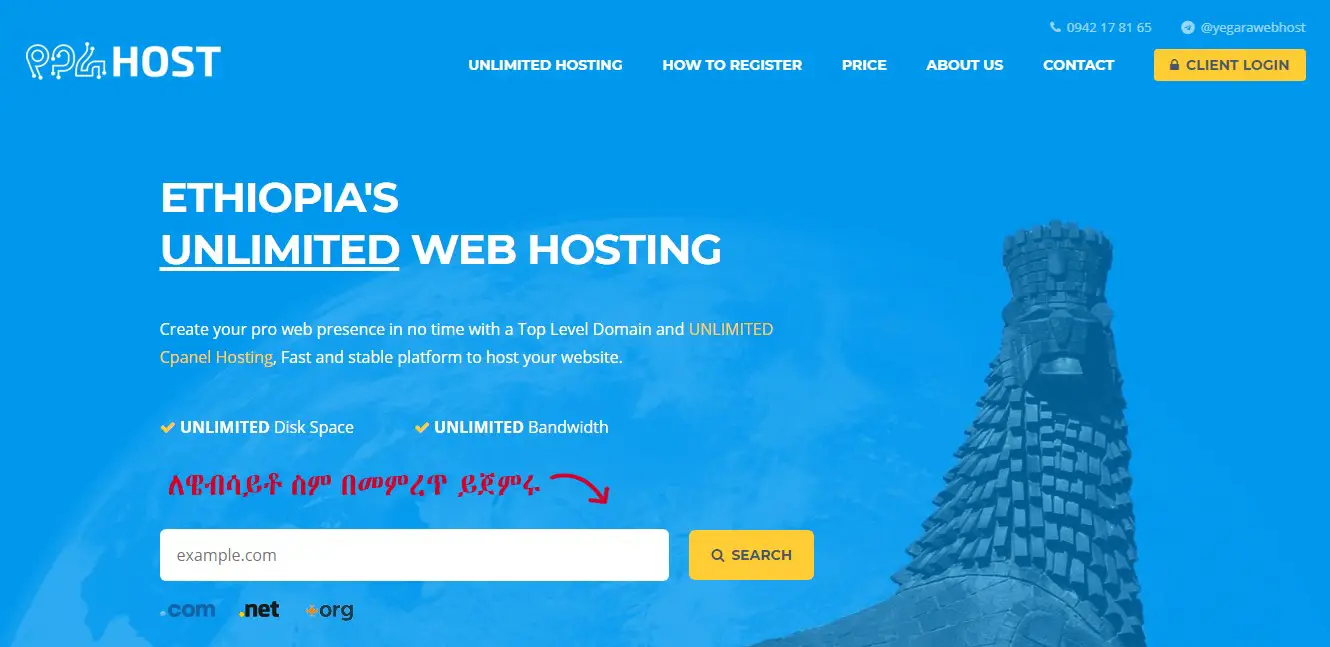
1. Yegara
This Ethiopian hosting service offers unlimited web hosting packages to the users. All hosting packages come with unlimited disk space and unlimited bandwidth. No matter what is the size of your website, you can easily accommodate unlimited data on this hosting server.
The speed of the website will also be quite good as unlimited bandwidth has been offered to the users. Overall, this is an excellent website hosting option that small businesses or startups or entrepreneurs can choose in Ethiopia.
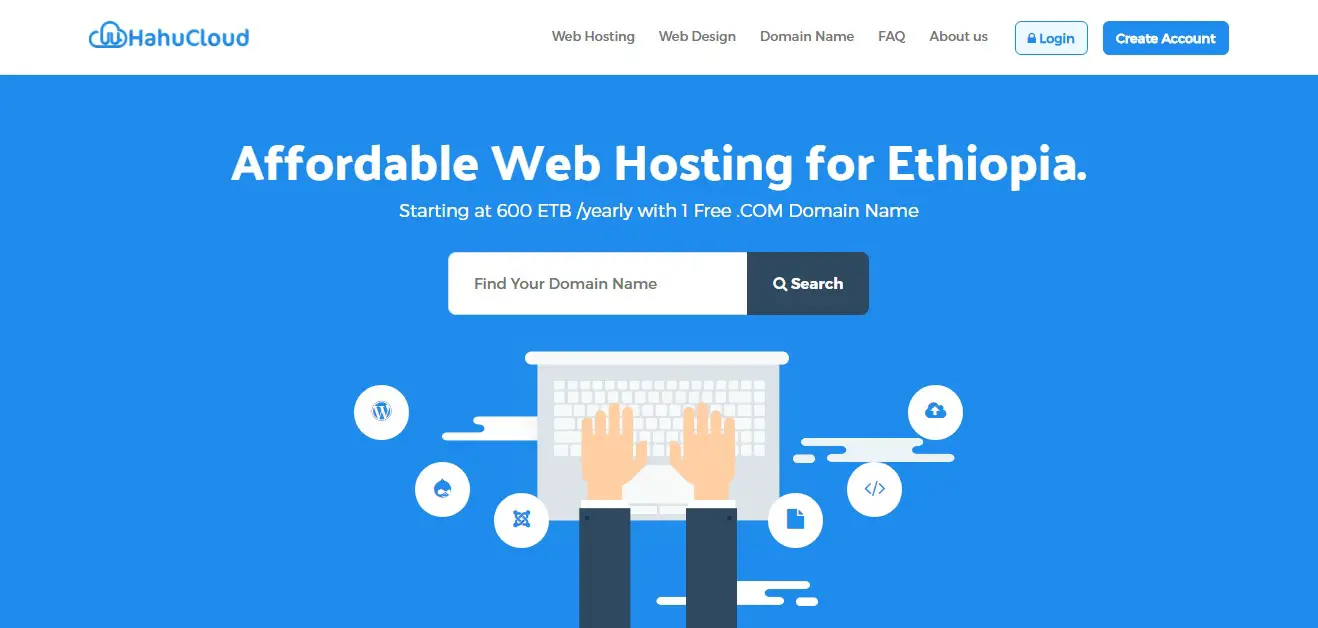
2. Hahucloud
Along with conventional website hosting, the demand for the cloud hosting service is rising. All businesses want cloud infrastructure these days. There are a lot of benefits of having cloud infrastructure. It gives easy data management and more security to the data.
HahuCloud features affordable cloud hosting packages. 99.99% uptime, low cost, and ideal protection are some of the best-known features of this website hosting service provider. Different hosting plans are there to suit different needs of the hosting service seekers.
3. Technobros
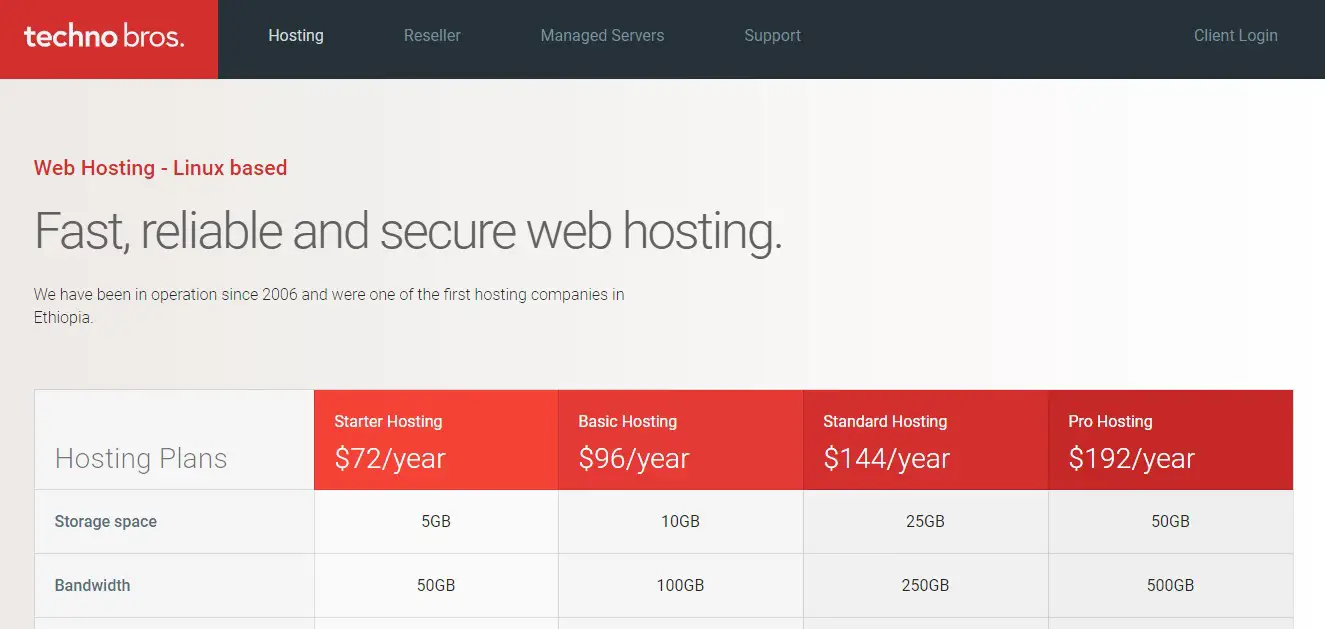
If you are searching for fast, secured and reliable hosting services, this is the virtual place for you where you shall come across interesting as well as affordable ranges of hosting packages. The basic plan is basically a shared hosting plan, and it interestingly features 5 GB storage space with 50GB bandwidth level.
For small-scale business, Pro hosting plan is ideal. It comes with 50 GB storage space and 500 GB bandwidth level. Additionally, it is poised to offer unlimited email account and MySQL database.
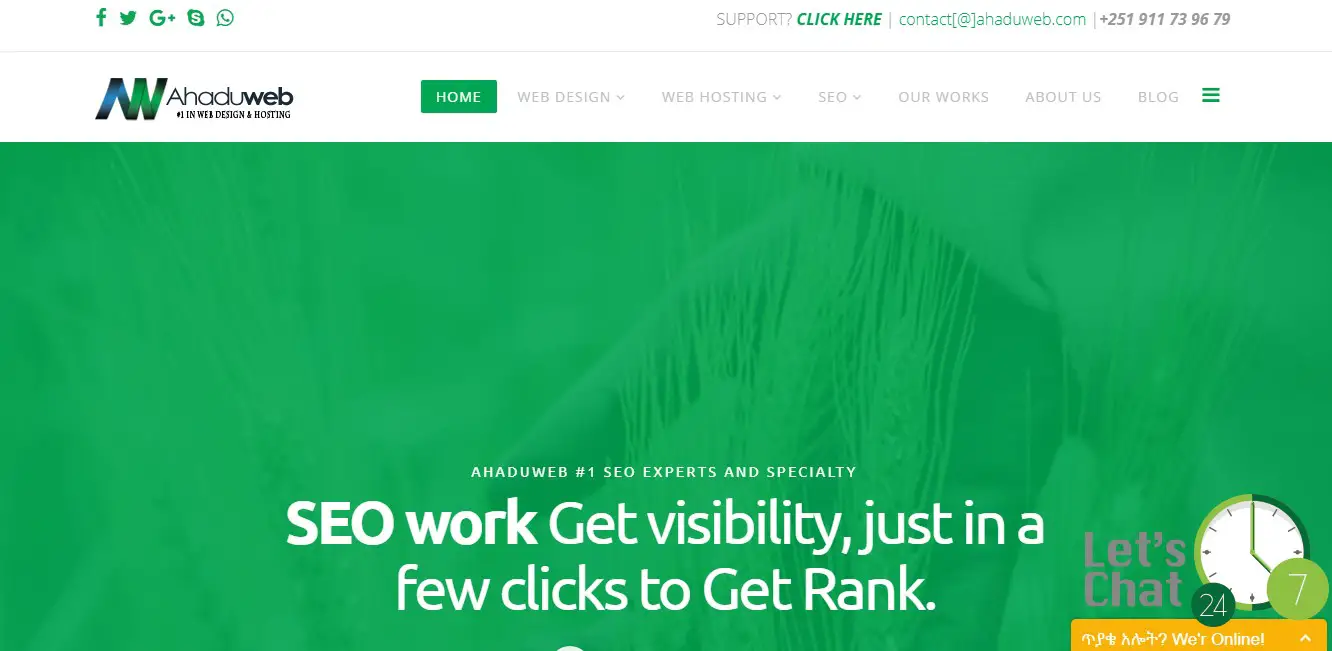
4. Ahaduweb
This is another professional and advanced website hosting service provider in Ethiopia. It comes with different hosting packages which look pretty affordable and convenient for the small-scale businesses. Unlimited bandwidth and optimum uptime speed of the web server are the major highlights of this hosting service.
It offers packages for web hosting keeping both small business and individual bloggers in mind. Hence, everyone would easily find a hosting package, matching his or her budget with this reliable service provider in Ethiopia.
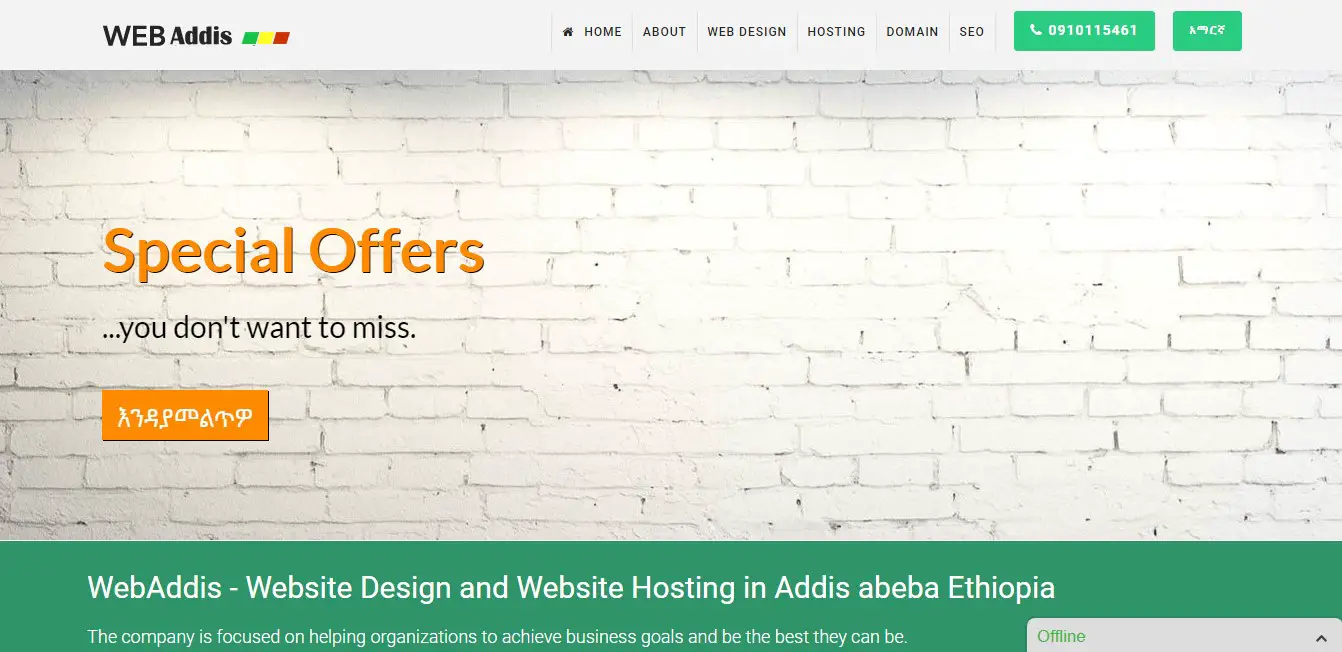
5. Webaddis
This is an IT service provider company in Ethiopia and it helps the small as well as medium scale businesses to attain the best IT infrastructural support. As a part of its IT service, it features hosting plans for the e-commerce stores or online based businesses.
It is dedicated to offering customer focus hosting packages to the users. Hosting packages are designed with precision to deliver optimum affordability. Robust web site performance and utmost data security are guaranteed by this service provider.
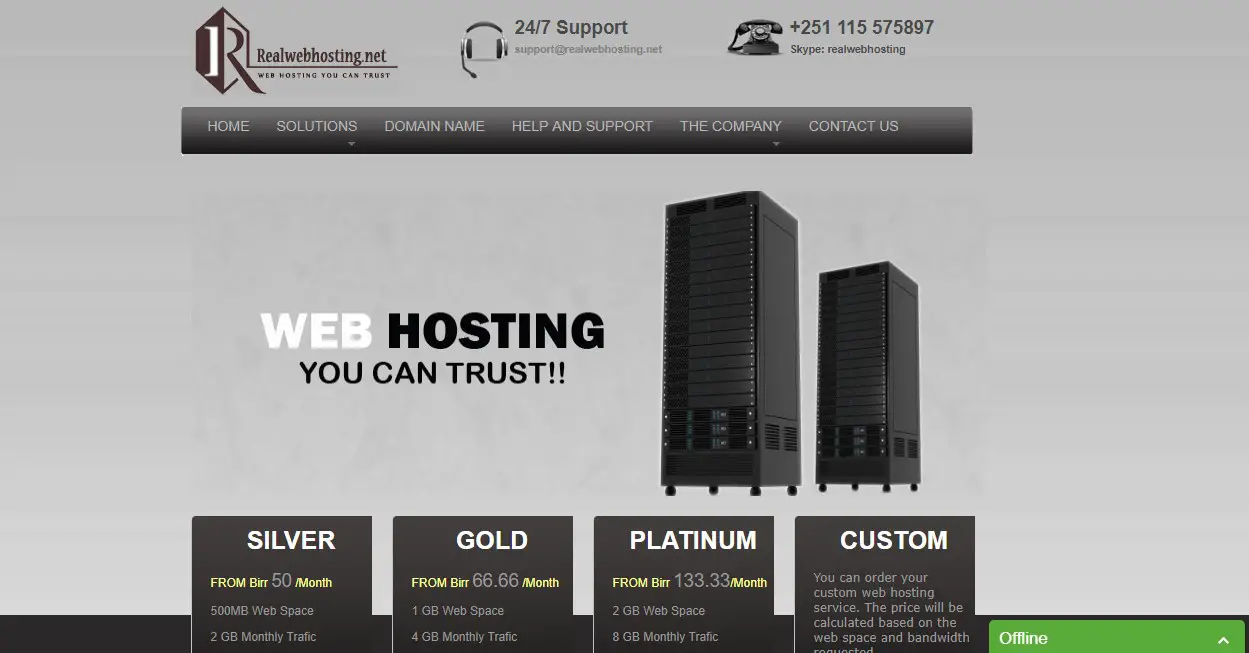
6. Realwebhosting
This Ethiopian hosting service is poised to deliver professional and genuine hosting support to users. Hosting plans are named Silver, Gold, Platinum, etc. Along with those plans, there is a custom plan too where users can customize the requirements as per their need.
So, you have the option to choose the services that you need and you can make the payment for the plan accordingly. Web hosting features support for WordPress, Joomla, and other open source content management systems.
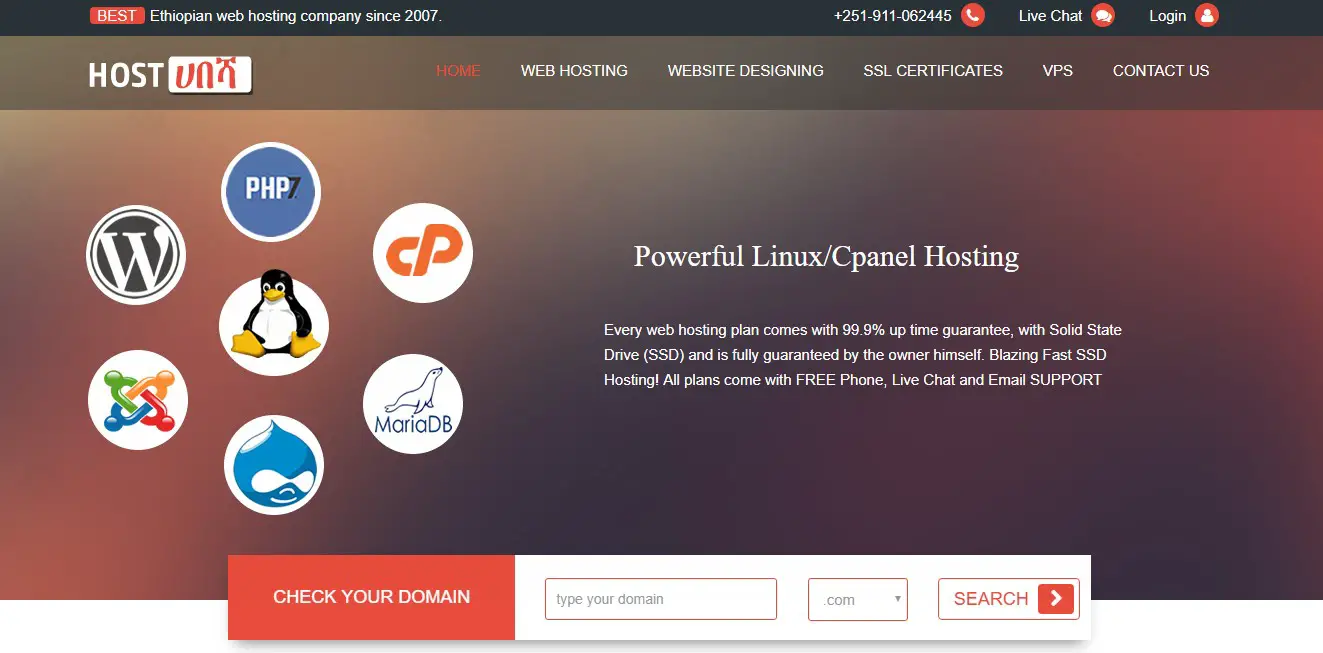
7. Hosthabesha
Both Linux and Windows based hosting plans are offered by this service provider in Ethiopia with affordable price ranges. You can choose plans and can also compare them before opting for a plan. From basic to advanced, different plans are there to suit needs of different website hosting services.
The basic plan is affordable, but not recommended for the professional web-based businesses or e-commerce stores. For them, an advanced hosting plan is highly suggested. This plan comes with 10 GB storage and 50 GB bandwidth.
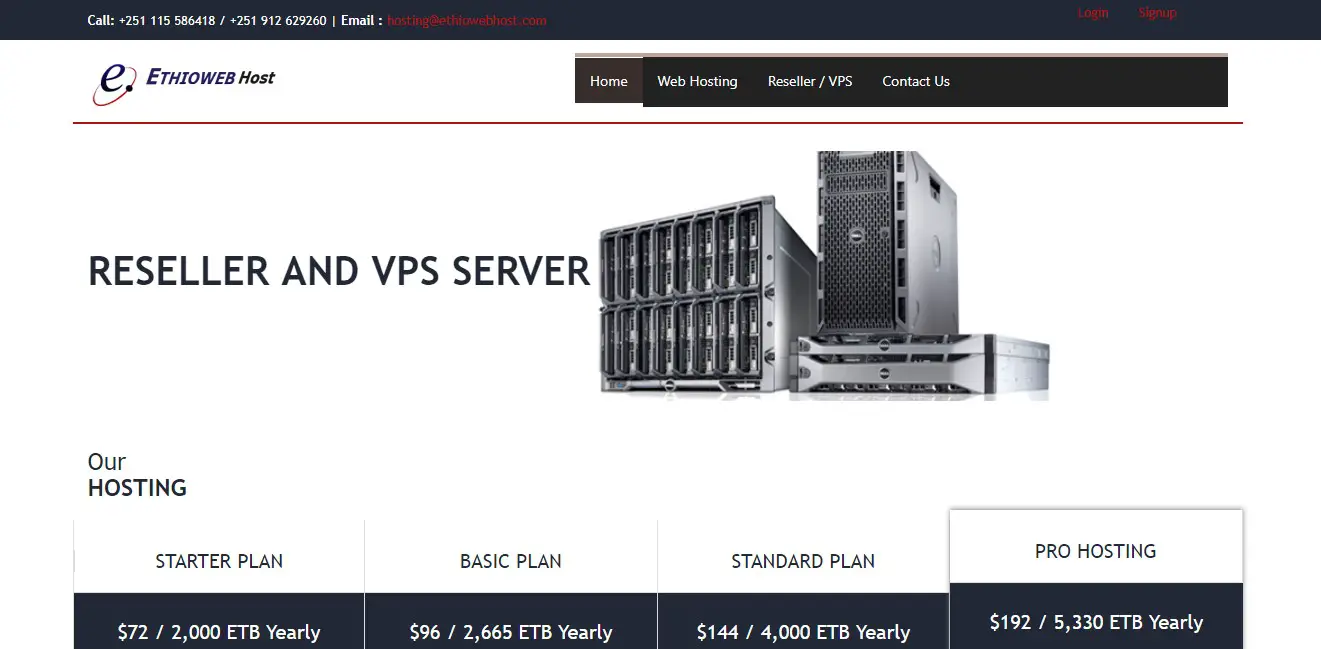
8. Ethiowebhost
Ethioweb Host comes with a simple starter plan at $72 per year basis. Among the most affordable hosting services in Ethiopia, this has been considered as one of the leading, reliable and professional services. Not just affordable plans, it also features top-notch web data security through various necessary as well as standard security arrangements.
Other major features include 99.99% uptime, email support, and professional customer care support. The customer care support is poised with dedicated individuals and they are available for 24/7.
9. SiteGround
This is one of the globally well-known websites hosting services, having the presence in different countries. It offers easy domain booking and reliable hosting service. The domain can be booked easily through the website. Buyers can search domain availability for different country based extensions.
Hosting plans are designed with precision to feature support for the freelancers and small business. Preinstalled WordPress, optimum server speed, unlimited bandwidth, and many other features are there to be noted with this hosting service in Ethiopia.
10. Hostgator
HostGator is another globally well-known hosting service that comes with distinctive ranges of hosting packages for the users. It offers to host packages for those are seeking budget friendliness. The basic package starts with only $2.75 per month. This is simply more than affordable.
It comes with cPanel which is user-friendly and poised with inbuilt web builder. A basic website can be designed within no time with this web builder and for that, no advanced website development insight is required.
Add Register domain name to your BlogSpot Blog:
This is the first step where you will be adding the register domain name to your blog. Simply login to your BlogSpot dashboard, and head over to Settings >Basics and you will see an option which says Publishing Blog address Click Setup a 3rd party URL for your blog:
Here you need to add the domain name that you have purchased, and after adding the domain name, it will give two CNAME records and 4 A records which we will be needing in the next step.
Click on + Setup a 3rd party URL for your blog, and add the domain name which you have purchased.

Note: You need to add domain with www as prefix. (See above screenshot for better understanding)
Once you have added the domain name with www, you will see an error saying “We have not been able to verify your authority to this domain. Error 12..” and you will get the CNAME record that you need to configure (See below screenshot)


Now. once you have these CNAME details, it’s time to login to your domain control panel, and make changes.
Now, follow the next step of this guide and your BlogSpot custom domain name setup will be finished in no-time.
Setting up CNAME and A Record for BlogSpot Custom-Domain Name
Login to your hahucloud account dashboard and click on manage domains. You will see a screen like this:

-Click on the domain name which you have purchased inside your dashboard, and you will be on Manage domain page.
- On the next page, click on DNS zone file to start adding the record.(See below screenshot for the reference)

Click on Add record from the pop-up select CNAME record & add both the record one by one from your BlogSpot setting screen. Here is both the image to make it easy for you to understand the setup

Click on Add another & copy the second CNAME record from your BlogSpot page:

Click on finish & on the next page you need to click on Save changes.

- . In case if you do, feel free to ask me for help via comments.
Adding A records to your Domain DNS
This is the last step where you just need to add 4 I.P. Address into your A record. The process is going to the be the same as above, all you need to do is add A record instead of CNAME. I’m sharing one screenshot which will show you how to add A record, and similarly you can add all 4 A records.
- Click on Add record, select A name under record type. In the Hostname part add @ and on Destination IPv4 address add 216.239.34.21

Like this you need to have total 4 A record and your final screen for A record will look like this. Here are the I.P. address of 4 A record which you need to add.
216.239.32.21
216.239.34.21
216.239.36.21
216.239.38.21
216.239.34.21
216.239.36.21
216.239.38.21

Now once you have setup CNAME and A record, you need to wait for 5 minutes to 4 hours for this changes to reflect globally. You need to go back to your BlogSpot dashboard, and click on save changes.
If the CNAME A record has been updated globally, this time instead of showing error “We have not been able to verify your authority to this domain. Error 12.“, your custom domain will start working. In my case, it took only 5 minutes.
If you see error that means, you need to wait for some more hours to add the custom domain name. So,it’s added, Google will take care of redirection part, and anyone if opens your BlogSpot blog address, he/she will be automatically redirected to your new custom domain name.
This will also work seamlessly for internal pages, and you will not lose any traffic or link-juice.
One last thing:
Also, you need to click on Edit here, and redirect non www version of your domain to www. Simply click on Edit and check the options which says “Redirect xxxx.com to www.xxxx.com”
Here is the official help page from BlogSpot teamfor setting up Custom domain name.
The whole process may look technical, but once you are inside the dashboard and follow all the steps mentioned above, it will be easier for you to implement.
If you have been blogging on BlogSpot platform for a while or for long time and not using BlogSpot custom domain feature, I highly recommend you to start using it for better branding and to make your blog look more professional.


)
0 Comments